Let every melody be seen
Import a MusicXML score file or MIDI file, tweak the performance, and turn it into a glowing music video in one click. No editing skills or heavy software needed.
Works right in your browser · nothing to install
Made for every kind of music
Live demos
See it before you sign up
Rendered live in your browser. Open one to try it.
How it works
Four steps from spark to film
- 01
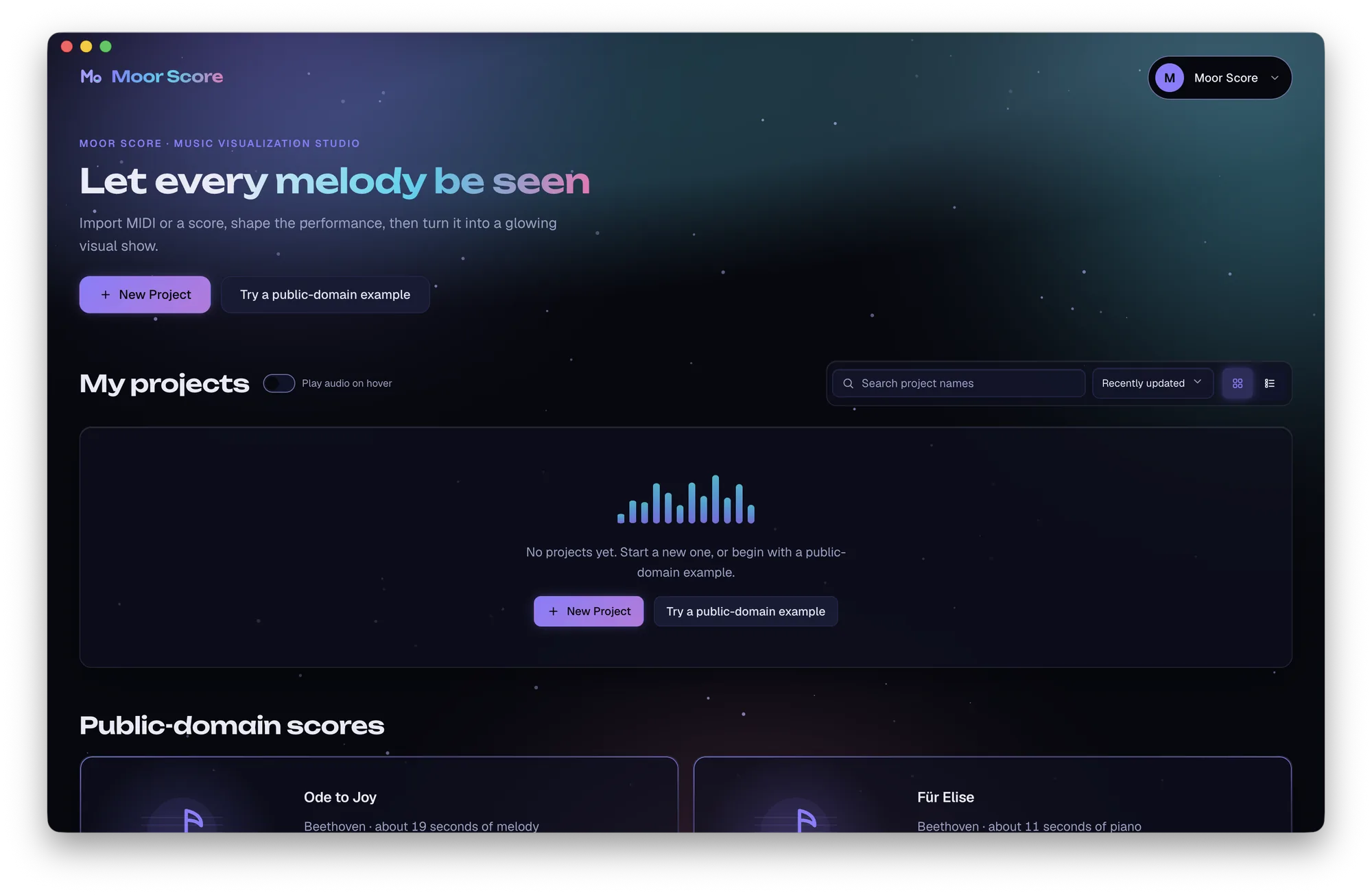
Start a piece
Drop in a MusicXML score file or MIDI file, or start blank.
- 02
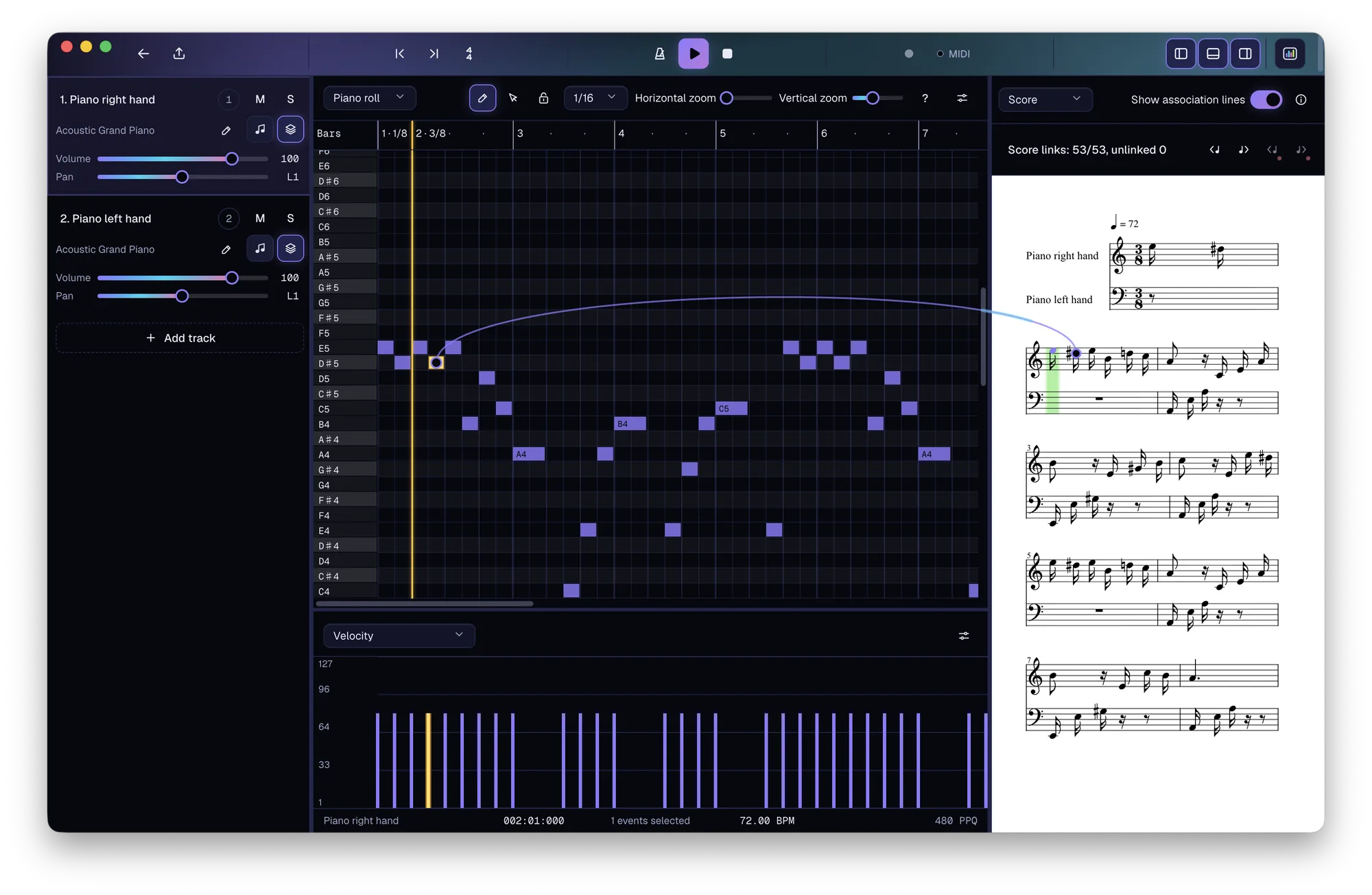
Polish the performance
Tweak notes, tempo and dynamics, or record with a MIDI keyboard.
- 03
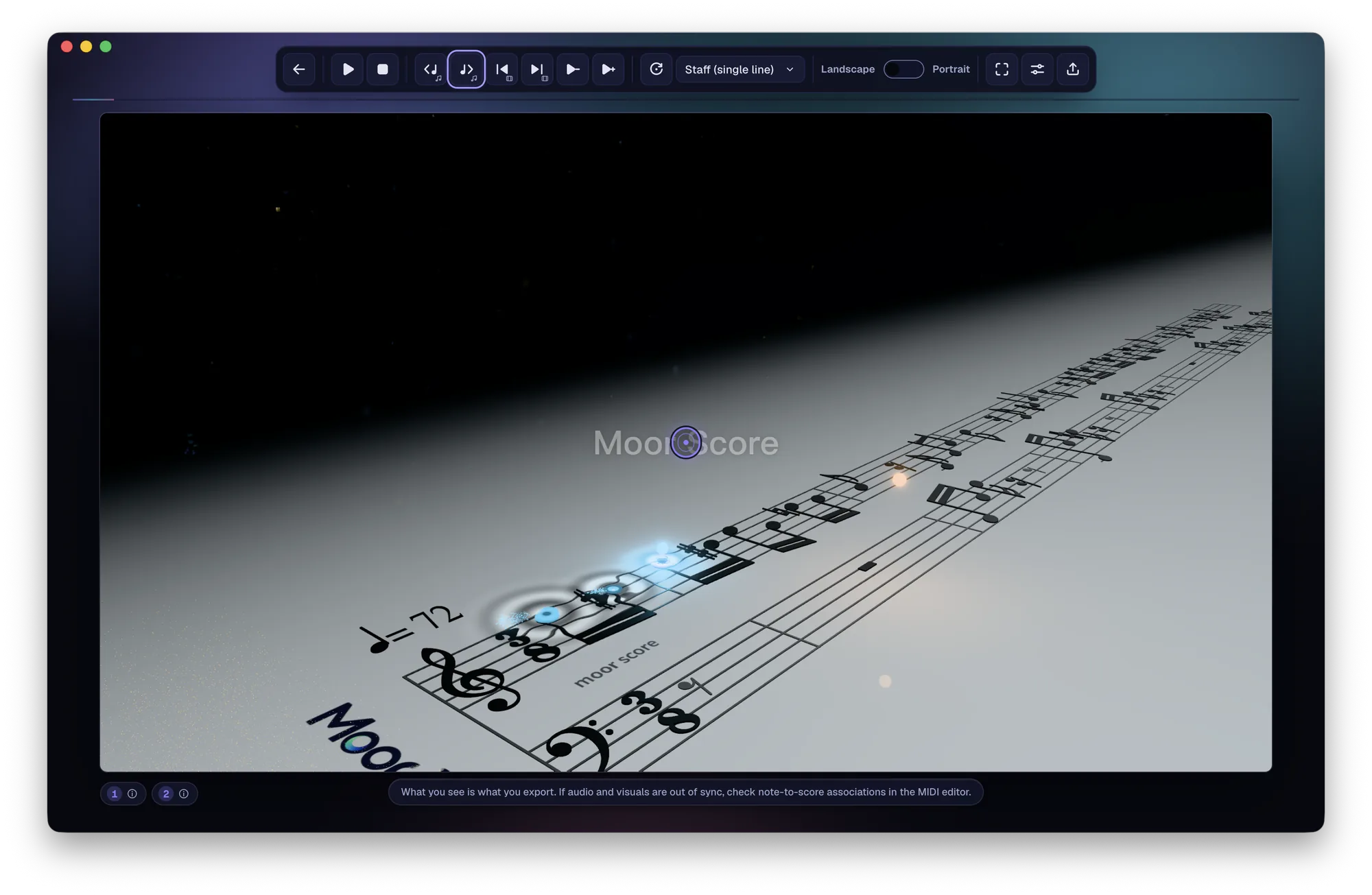
See it come alive
Pick a style and press play to preview.
- 04
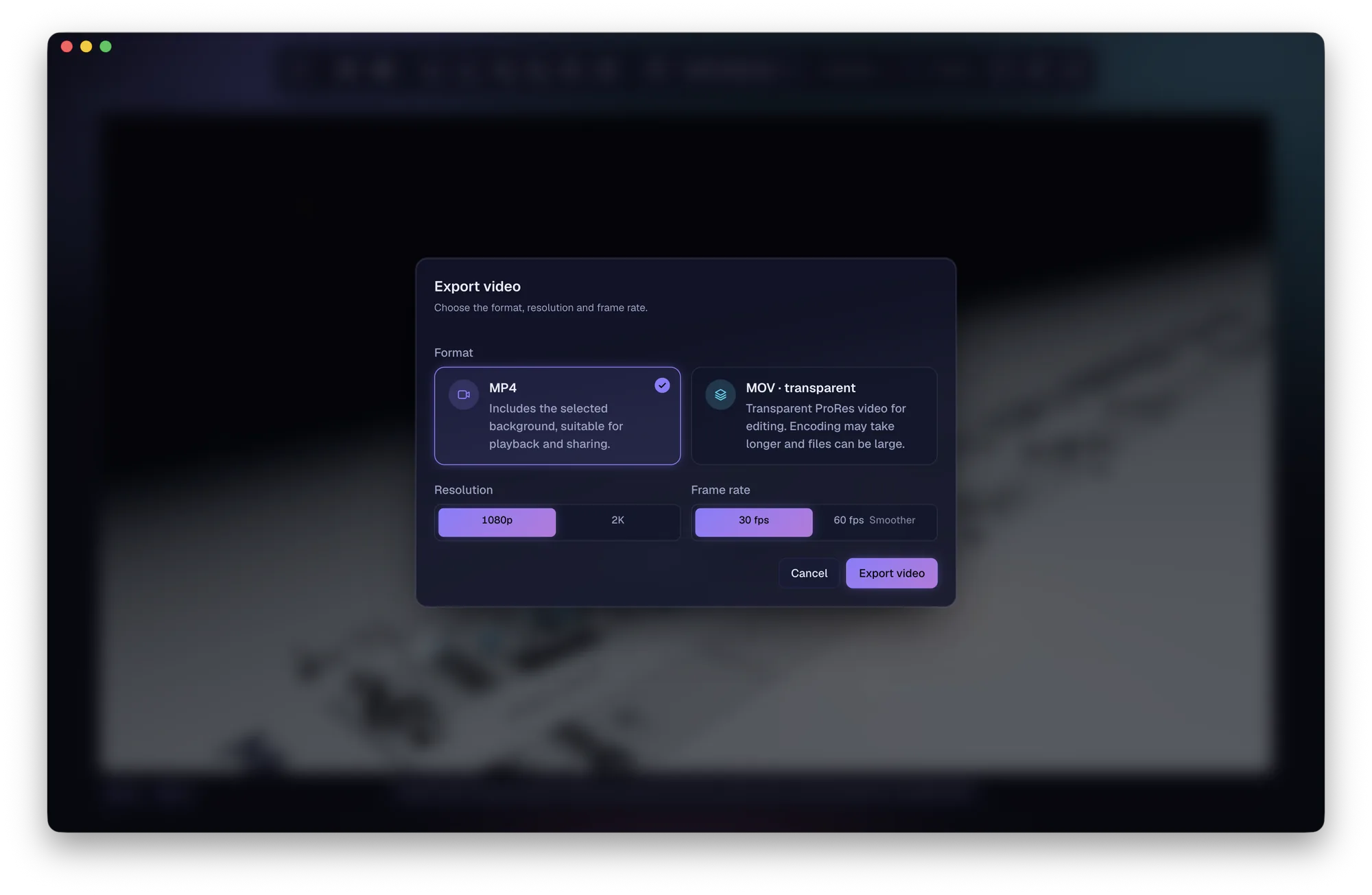
Export & share
Export a video and share it on social media.
30
Free Credits on sign-up
10/min
Credits per video minute
4 steps
To finish a piece
100%
Original score file untouched
Pricing
Pay only for what you use
Video exports cost 10 Credits/min. Under a minute counts as one.
One-time Credits packs
Credits packs never expire.
Prices are in US dollars; the final amount and any applicable taxes are shown at checkout.
Platforms
Web is live. Desktop is on the way.
The web version includes all the core features; the desktop app will add more professional tools.
Web
Runs in your browser · nothing to install
All the core features, saved to the cloud, ready anywhere.
Open the web appmacOS
Apple silicon
Download coming soon
Windows
x64
Download coming soon
Linux
x64
Download coming soon
Web vs. desktop
| Feature | Web | Desktop |
|---|---|---|
| MusicXML / MIDI import | ✓ | ✓ |
| MIDI editing & recording | ✓ | ✓ |
| Multiple, adjustable visual styles | ✓ | ✓ |
| Live preview | ✓ | ✓ |
| MP4 / MOV video, MIDI & WAV export | ✓ | ✓ |
| DAW integrationDesktop only | — | In development |
| Custom sound sourcesDesktop only | — | In development |
| Cinematic ray-traced renderingDesktop only | — | In development |
Roadmap
What we are building next
Timing will be shared in release announcements.
- Now
Web
LiveThe complete workflow: import, edit, record, visualize and export.
- MusicXML score import
- MIDI import
- MIDI editing
- MIDI recording
- Multiple visual styles
- Fully adjustable visuals
- Live preview
- Video & audio export
- Next
Desktop
In developmentFor macOS (Apple silicon), Windows x64 and Linux x64, with these exclusive features.
DAW integration
Work with your DAW and use the instruments and performances from your projects.
Custom sound sources
Import and manage your own sounds to give each piece its voice.
Cinematic ray-traced rendering
Render realistic light and materials locally for film-quality videos.
FAQ
Good to know
Do I need music production skills?+
No. Import a ready-made MusicXML score file or MIDI file, pick a style and press play.
Which files are supported?+
MusicXML scores (.musicxml, .xml, .mxl) and MIDI files (.mid, .midi). You can also start with a blank project and compose with a MIDI keyboard or your mouse. PDF and image scores are not supported yet.
What are MusicXML and MIDI?+
MusicXML is a standard digital sheet-music format that stores notes, rhythm, key signatures and layout. Export it from notation software such as MuseScore, Sibelius, Finale or Dorico to create both score visuals and a performance. MIDI stores the performance itself: when each note is played, how long it lasts and how hard it is struck. You can get it from a digital piano, a DAW or a MIDI keyboard, but it contains no score layout.
What format are exported videos?+
Export MP4 or MOV, in landscape or portrait. MP4 keeps the background and is ready to play and share; MOV removes the background and includes an alpha channel, so you can layer it over other footage in your video editor.
How do Credits work?+
Video exports cost 10 Credits/min, with anything under a minute counted as one minute. MIDI and WAV exports are free. New users get 30 Credits.
Do I have to install anything?+
No. Editing, live preview and video export all work in your browser. The desktop app is coming soon for macOS (Apple silicon), Windows x64 and Linux x64.
How is the web version different from the desktop app?+
The web version includes all the core features: import, MIDI editing and recording, visualization, live preview and export. The desktop app adds exclusive features such as DAW integration, custom sound sources and cinematic ray-traced rendering.
Will it change my score?+
Never. The score file you import is not rewritten. If you choose to replace the current performance with MIDI converted from a score, you will be asked to confirm first.